
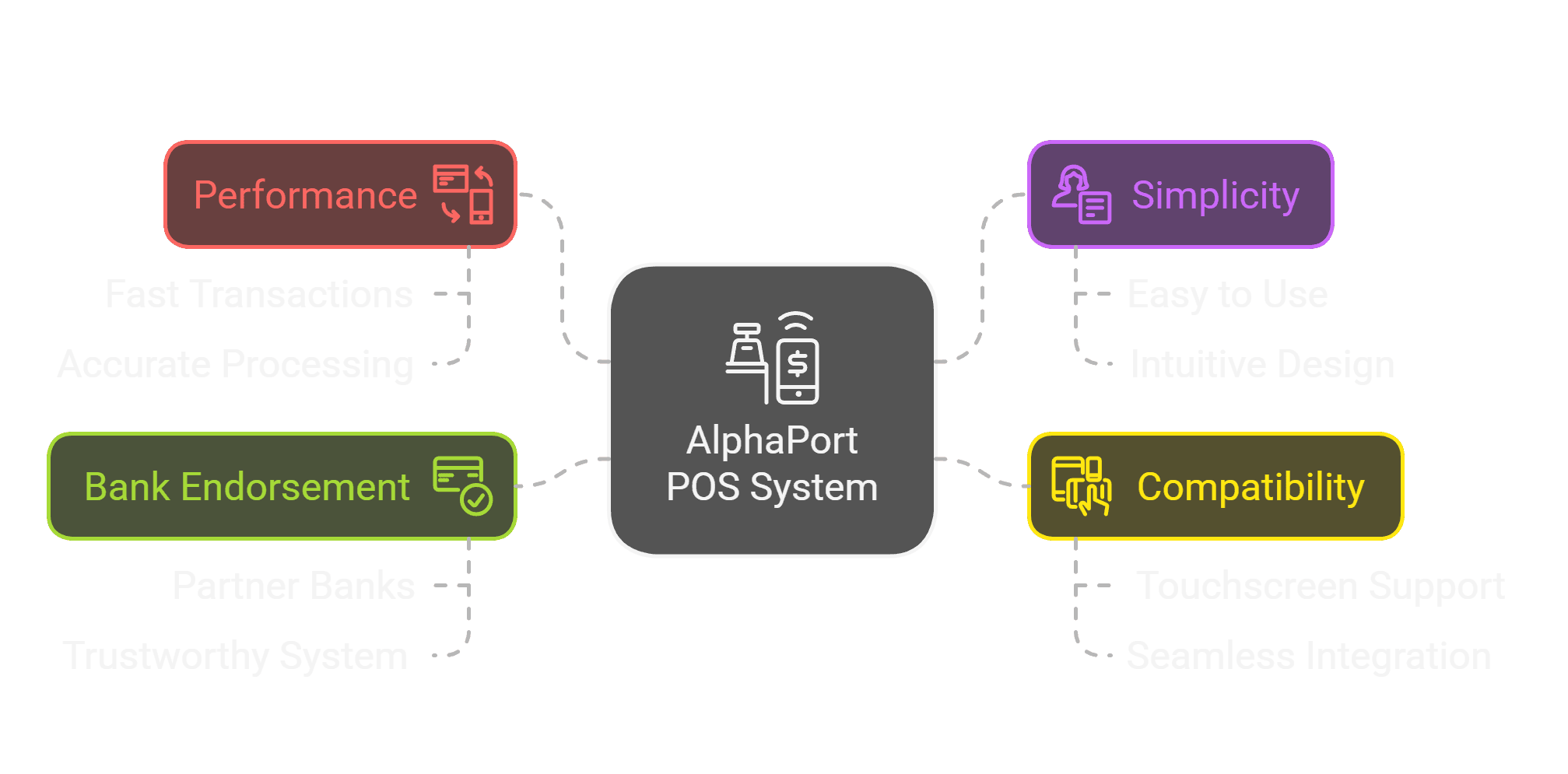
The sales screen keeps the important parts of a transaction close at hand. Products enter the basket quickly, totals update as the sale changes and the team can move from the first item to payment without unnecessary steps.
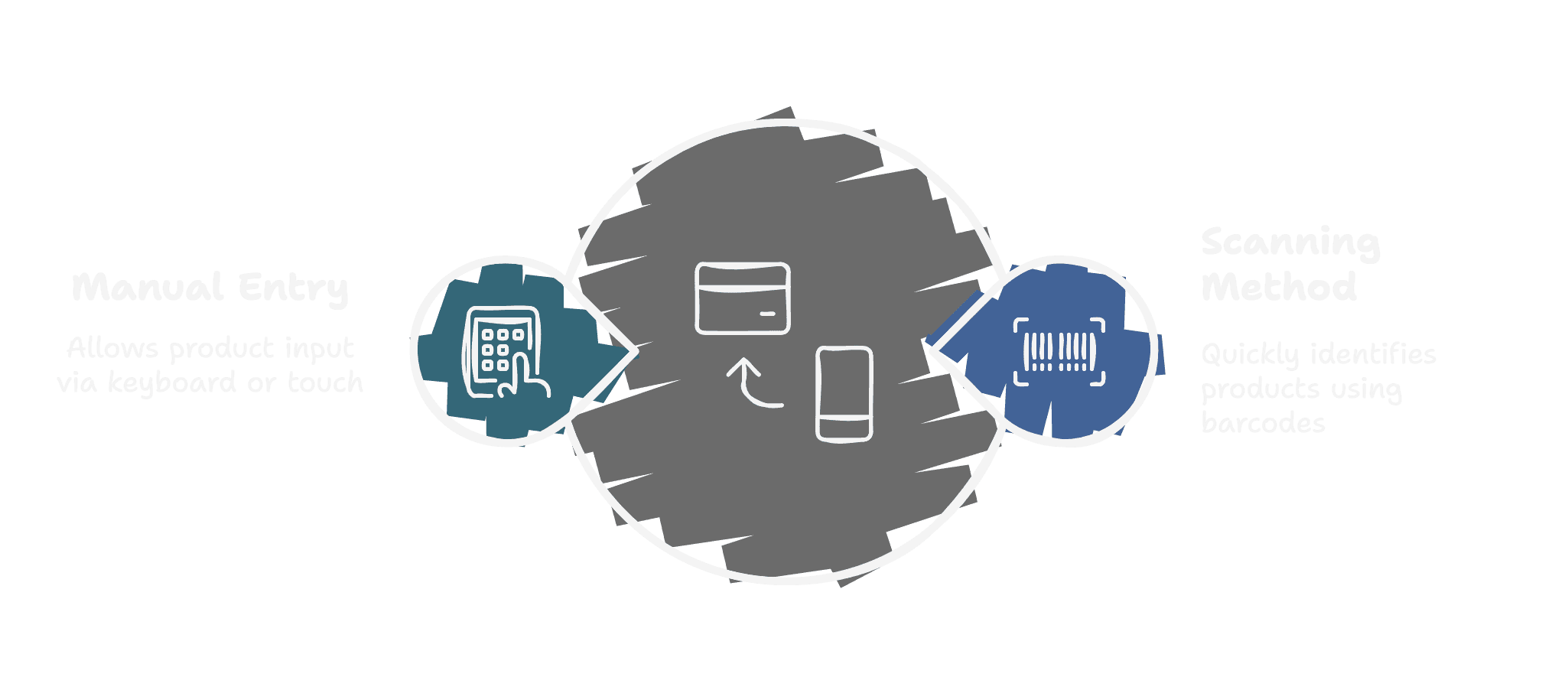
Products can be found by name or added with a barcode scan. Images and product information make the right item easier to recognise, while stock checks help prevent quantities from moving beyond what is available.
A sale can remain linked to the relevant customer and product records. Online orders can also enter the same sales environment, giving the team one familiar place to continue and complete the transaction.
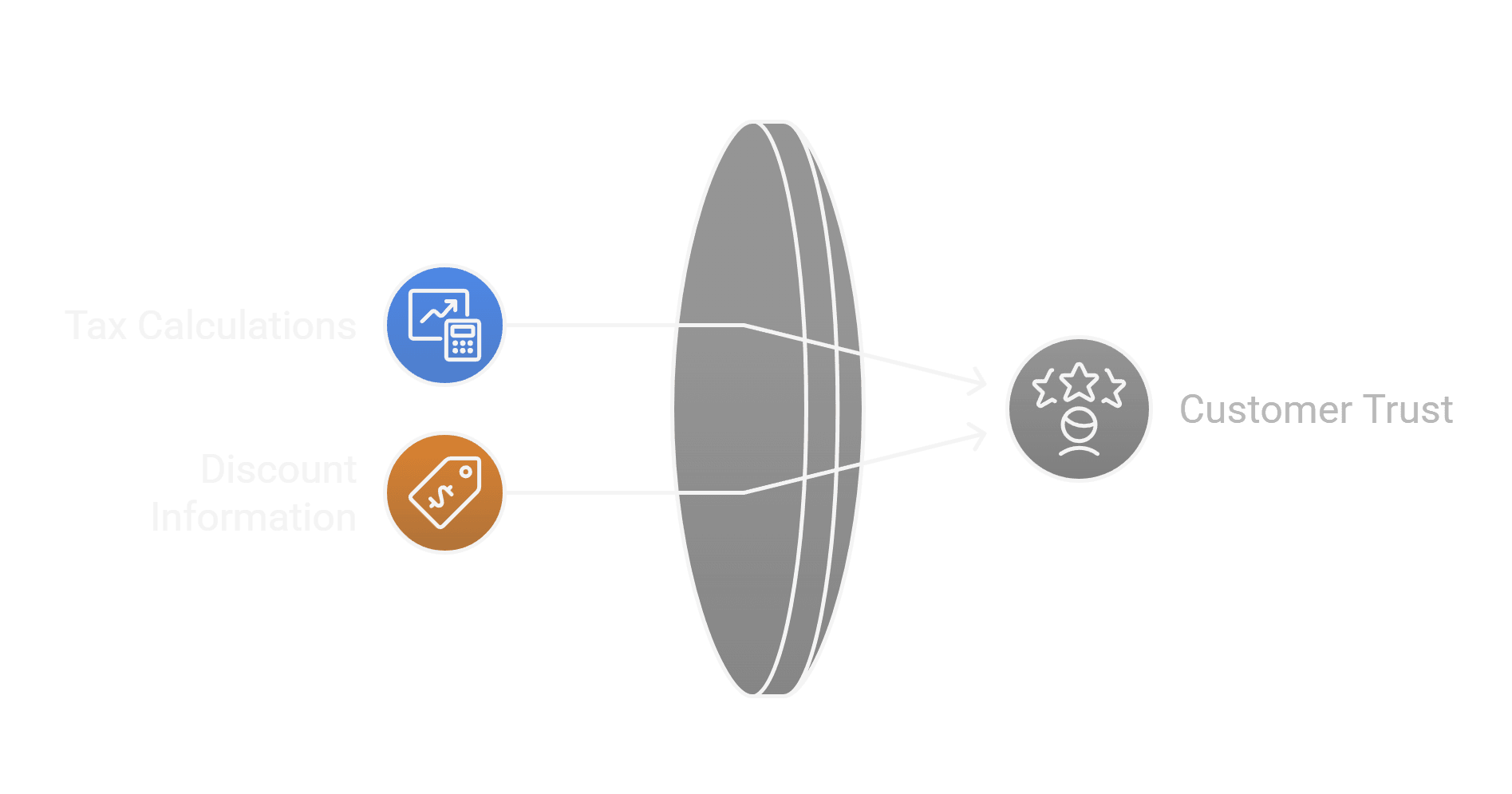
Prices, taxes, quantities and discounts are calculated together as the basket changes. Discount permissions add an extra layer of control where needed, while the final amount stays clear before payment.
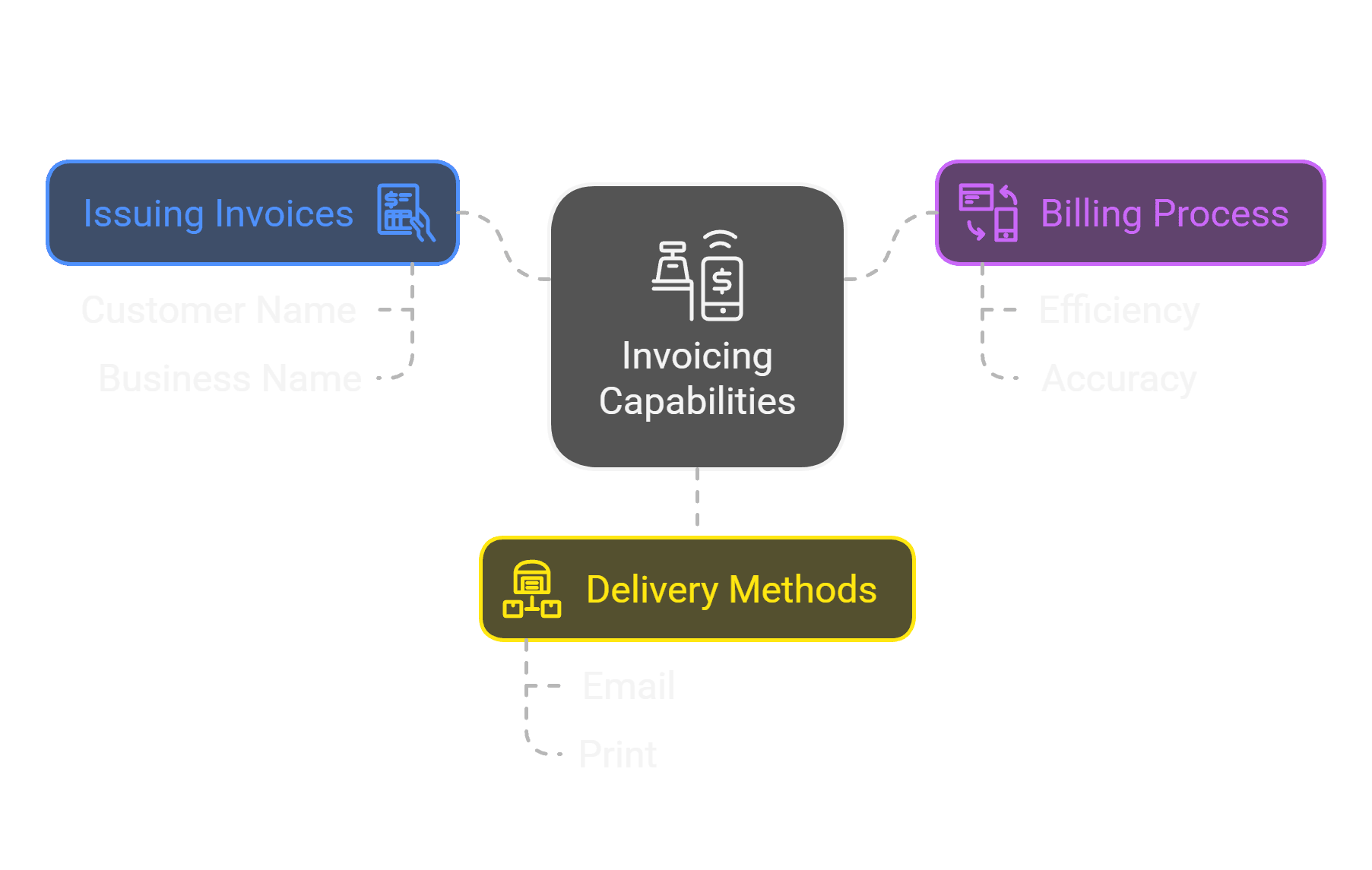
Payments complete the sale and the receipt can be printed or prepared as a PDF. When a return is needed, it remains connected to the original invoice so the transaction history stays easy to follow.
AlphaPort POS brings products, customers, prices, stock and payments together at the counter. The sales flow stays quick and clear, while every completed transaction becomes part of the wider business record.
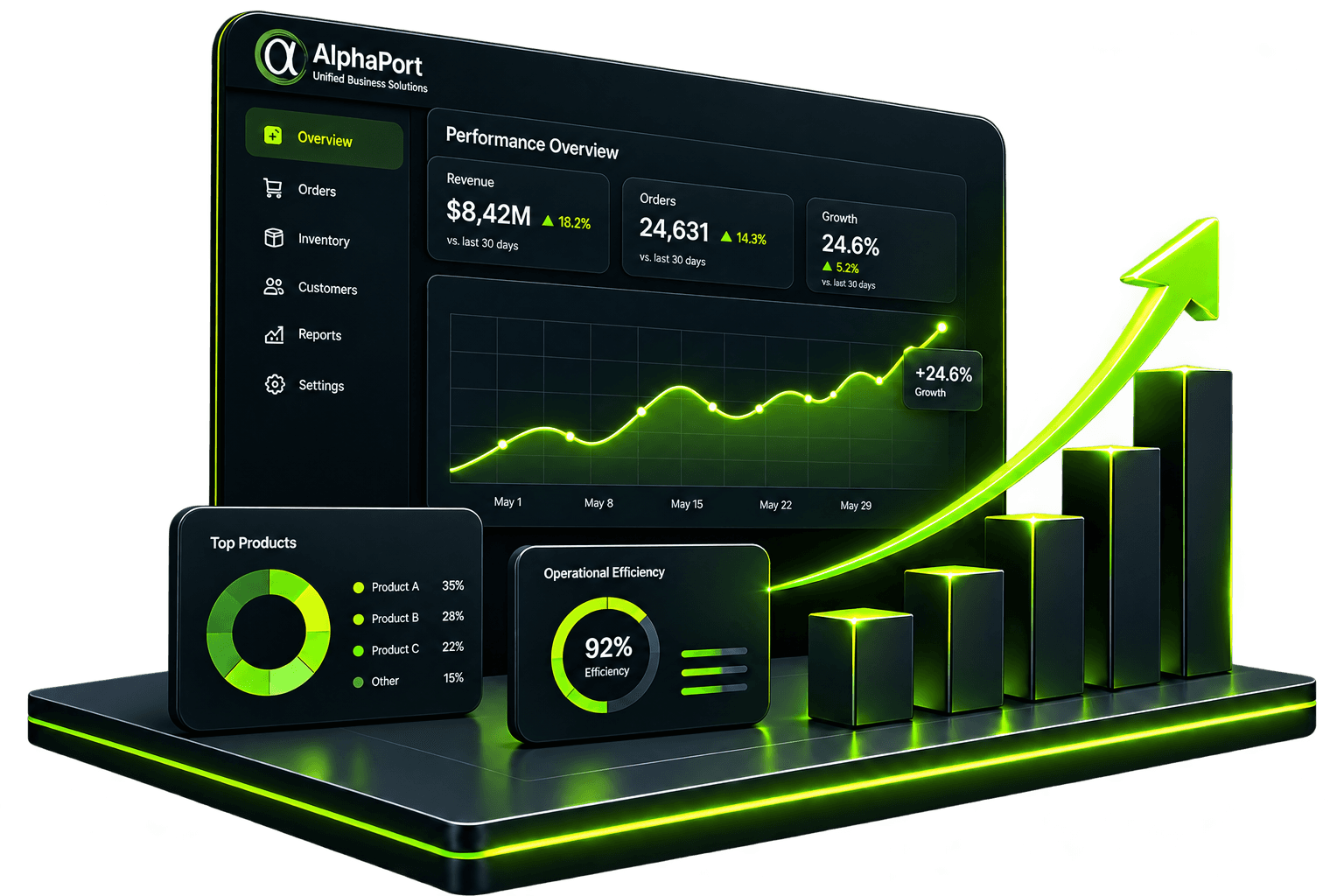
A 30-day trial gives your team time to explore the workflows that matter—without payment details or a long-term commitment.
Tell us how your business works. We’ll help shape the setup around your sales, service, stock or invoicing process.
 EN
EN